01 / 06
Drop a pin, plan a route
Click anywhere on the Google Maps you already know. Drop waypoints, build a route, tap Navigate — it opens in Google Maps ready to ride.
Early access · Free during beta
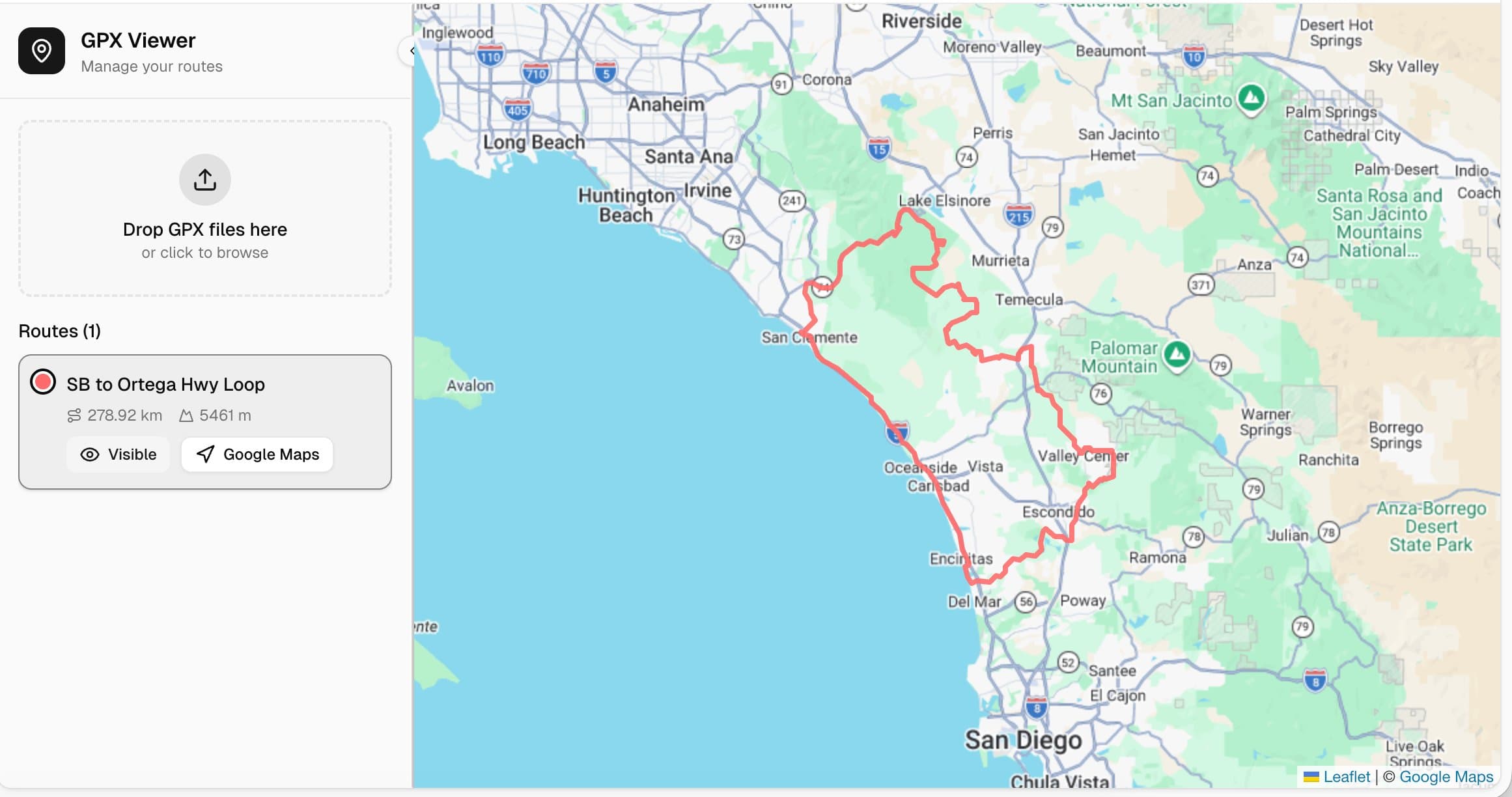
Upload any GPX and see your route on the map you already know and trust. No new apps. No broken routing. Just your ride.
Free to try · No download · Works on any device
The Difference
GPX2Map is built around the map you already trust — so the only new thing is what you ride next.
Features
Click anywhere on the Google Maps you already know. Drop waypoints, build a route, tap Navigate — it opens in Google Maps ready to ride.
Got a file from Garmin, a friend, or a route database? Upload it and it draws instantly on the map. No format wrestling, no import errors.
Satellite view, street view, traffic, business POIs — the real thing. Because the map you trust every day is the best map to ride with.
Plan on your laptop Saturday morning. Pull it up on your phone at the trailhead. One tap sends the route to Google Maps navigation.
Name routes, organize collections, share with friends. Your entire riding history in one place — not scattered across five different apps.
Just a URL. Open it in any browser, on any device. Bookmark it and it's there. No app store, no approvals, no updates to manage.
Join the waitlist
Be first to ride when we launch. No spam, just one email when it's ready.